
Hoox Guide
- 01Step 1: Understand What You're Building (and Why It Changes Everything)
- 02Step 2: Connect the Hoox MCP in Claude
- 03Step 3: Generate Your UGC Script Directly in Claude
- 04Step 4: Choose Your Avatar and Configure the Video
- 05Step 5: Launch the Render with Veo 3 via Nano Banana Pro
- 06Step 6: Deliver and Invoice Your Client
- 07Step 7: Repeat and Scale Your UGC Offer
- 08Key Takeaways
How to generate photorealistic UGC videos at 6–12€ each, deliver them within hours, and multiply your margins without depending on a single human talent
You spend hours briefing micro-influencers, chasing them, reviewing feedback, waiting — only to deliver late and watch your margin shrink. The Hoox MCP paired with Claude completely changes the equation: you generate UGC with photorealistic avatars, end to end, right from your usual work interface. Here's exactly how to do it.
01Step 1: Understand What You're Building (and Why It Changes Everything)
Before you dive in, set the frame.
A standard UGC with a micro-influencer costs you 600 to 1,000€ per post. Add the back-and-forth briefing, revision rounds, and shooting delays — and you're delivering to your client in 2 to 3 weeks.
With the Hoox MCP:
- 1 UGC video = 6 to 12€
- Delivery time = a few hours
- Zero set, zero talent to manage, zero dependency
In practice, you can charge your client 300 to 500€ per video and keep a net margin of 95%. At 10 videos per month, that's 2,900 to 4,880€ in pure profit.
What to nail down before you start:
- The product or service name you're promoting
- The desired tone (energy, relatability, humor, authority)
- Target length: 15 seconds or 30 seconds
- The avatar that best fits the client's target audience
02Step 2: Connect the Hoox MCP in Claude
This is the technical step — and it's simpler than you think.
The MCP (Model Context Protocol) is a layer that lets Claude interact directly with external tools — including Hoox. You don't need an extra tool, a complex API, or a developer.
To connect the Hoox MCP:
- Open your Claude Desktop interface
- Go to the MCP connection settings
- Add the Hoox connector with your API key, available at app.hoox.video
- Confirm the connection — Claude immediately recognizes the available avatars
Once connected, you can access directly from Claude:
- Hoox's photorealistic avatar library
- The built-in video rendering engine
- Format settings (ratio, duration, quality)
💡 Freelance tip: Set up the connection once and reuse it for every client. This is your infrastructure — not a one-off service.
03Step 3: Generate Your UGC Script Directly in Claude
This is where the magic happens. You don't need to be a copywriter.
Give Claude these 4 inputs:
- The product (name, core benefit, target audience)
- The tone (e.g., "an enthusiastic young woman sharing a discovery with her followers")
- The duration (15s = 40–50 words / 30s = 80–90 words)
- The goal (awareness, conversion, testimonial, tutorial)
Example prompt to copy and paste:
Claude writes the script. You approve it. You tweak it in 30 seconds if needed.
Typical output for a 15s format:
- 1 strong hook (3–4 seconds)
- 1 concrete benefit (8–9 seconds)
- 1 short, direct CTA (2–3 seconds)
04Step 4: Choose Your Avatar and Configure the Video
With the MCP connected, you access the Hoox avatar library directly from Claude — no need to leave your interface.
Avatar selection criteria:
| Criterion | Question to ask yourself |
|---|---|
| Gender | Who best embodies the product's target audience? |
| Apparent age | What age range is your client targeting? |
| Style | Casual, professional, lifestyle, athletic? |
| Credibility | Does the avatar fit the industry (beauty, tech, food...)? |
Parameters to set before rendering:
- Format: 9:16 (Reels, TikTok, Stories) or 16:9 (YouTube, LinkedIn)
- Duration: 15s or 30s
- Language: English, French, or other depending on the target market
- Background: neutral, lifestyle, or branded
💡 Scalability tip: For the same client, generate 3 variants — avatar A, avatar B, avatar C with the same script. You test performance with no meaningful additional cost. 3 videos × 12€ = 36€ in production for a split test worth ten times that.
05Step 5: Launch the Render with Veo 3 via Nano Banana Pro
Once the script is approved and the avatar is selected, you launch the render directly from Claude.
The process:
- Claude sends the script + parameters to the Hoox engine
- Veo 3 (Google DeepMind's video generation engine) processes the request
- Nano Banana Pro accelerates the render by parallelizing the computation
- Your video arrives within minutes
No 24-hour queue. No render stuck at 98%. No re-downloading from a third-party platform.
What you control 100%:
- ✅ The chosen avatar
- ✅ The script, approved word for word
- ✅ The format and duration
- ✅ The number of videos launched simultaneously
- ✅ The margin delivered to the client
06Step 6: Deliver and Invoice Your Client
This is the step freelancers most often underestimate: how to package this offer to maximize perceived value.
Recommended pricing structure:
| Package | Contents | Client price | Actual cost | Margin |
|---|---|---|---|---|
| Starter | 3 × 15s videos | 900€ | ~36€ | 96% |
| Essential | 5 × 30s videos | 1,500€ | ~60€ | 96% |
| Scale | 15 videos (mixed) | 3,500€ | ~150€ | 95% |
What to include in your delivery:
- HD video files (MP4)
- The script for each video (for client records)
- 1 distribution recommendation sheet (which format, which platform, what frequency)
- 1 positioning report (why this avatar, this tone, this format)
That last point is critical: you're not just delivering a video. You're delivering a UGC strategy. That's what justifies your rate — and what keeps clients coming back.
07Step 7: Repeat and Scale Your UGC Offer
Now that the process is running, the goal is to make it fully systematic.
Build your UGC freelance kit:
- 📋 1 standardized client brief (10 questions max, Google Form or Notion)
- 🎭 1 shortlist of 5–6 avatars validated by industry (beauty, tech, food, SaaS...)
- ✍️ 3 script templates per duration and goal (awareness / conversion / testimonial)
- 📦 1 turnkey delivery template with the order form and advisory sheet
With this kit, you go from 3 hours of production per video to 20 minutes — brief included.
Realistic projections for a solo freelancer:
- 10 videos/month → ~4,800€ revenue / ~120€ production cost
- 30 videos/month → ~14,400€ revenue / ~360€ production cost
- 50 videos/month → ~24,000€ revenue / ~600€ production cost
Influencer budgets are growing 50% in 2026. Your clients are looking for an alternative. You have it. And nobody in your network is offering it yet.
08Key Takeaways
- 6 to 12€ per video vs. 600 to 1,000€ with a micro-influencer: the cost advantage is structural, not temporary
- The Hoox MCP connects directly inside Claude — no extra tools, no technical friction
- You control everything: avatar, script, format, volume — zero external dependency
- The real freelance value isn't the video itself — it's the strategic packaging you deliver around it
- At 50 videos/month, you generate 24,000€ in revenue for 600€ in actual production costs
- The UGC market is exploding in 2026: you can absorb the demand without hiring, without a set, without the stress
You now have the complete process to transform your freelance practice with AI UGC production. The market isn't waiting — the first people to package this offer cleanly will capture the budgets that traditional agencies can no longer fulfill at this price point.
Create your Hoox account and launch your first UGC video today 👉 hoox.video
Try the MCP directly from the app 👉 app.hoox.video
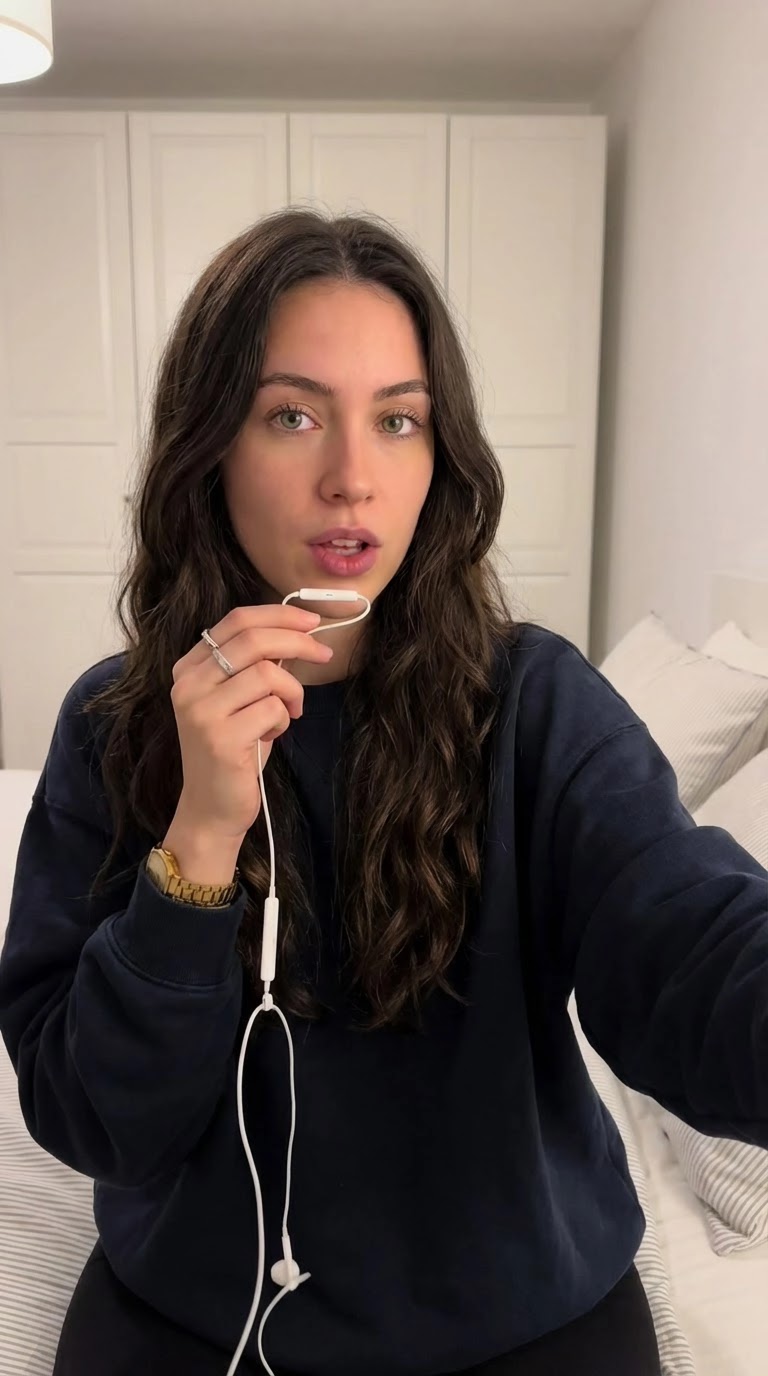
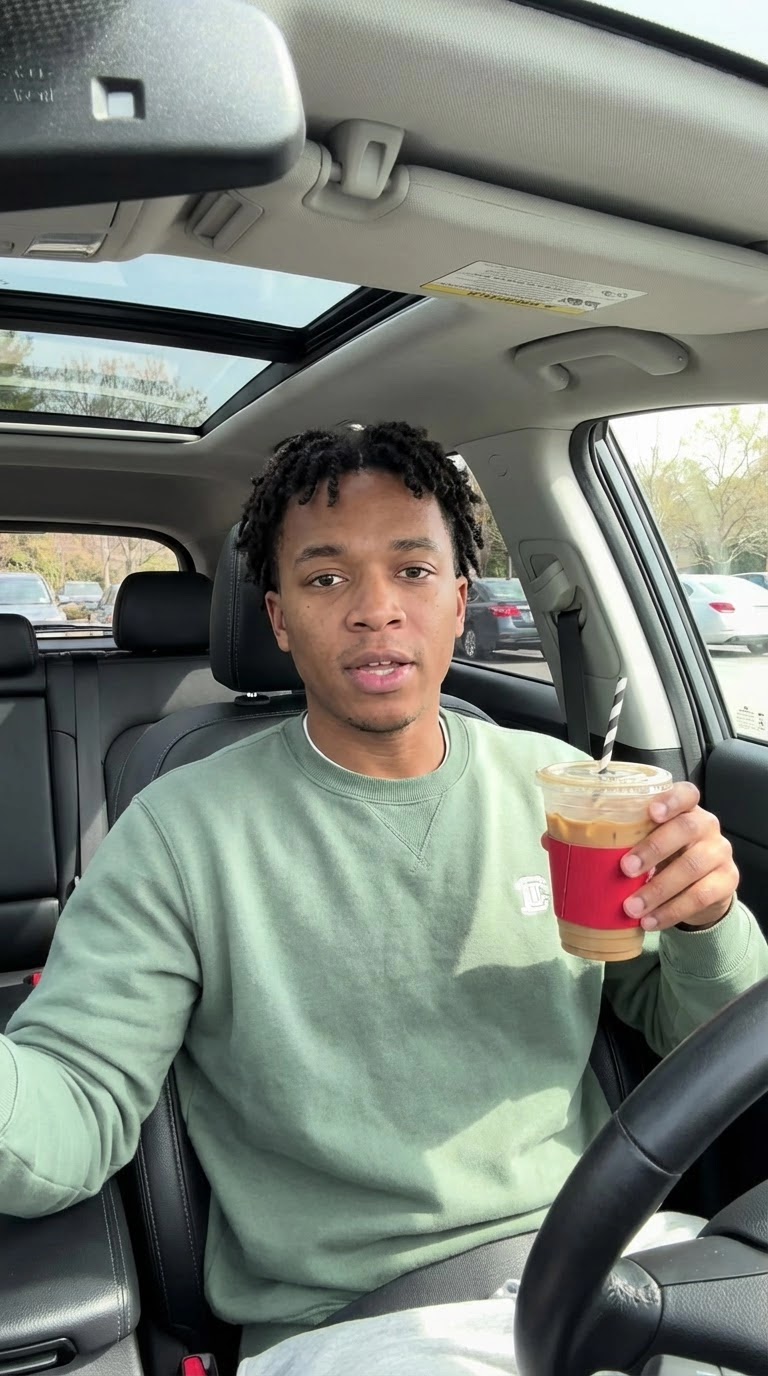
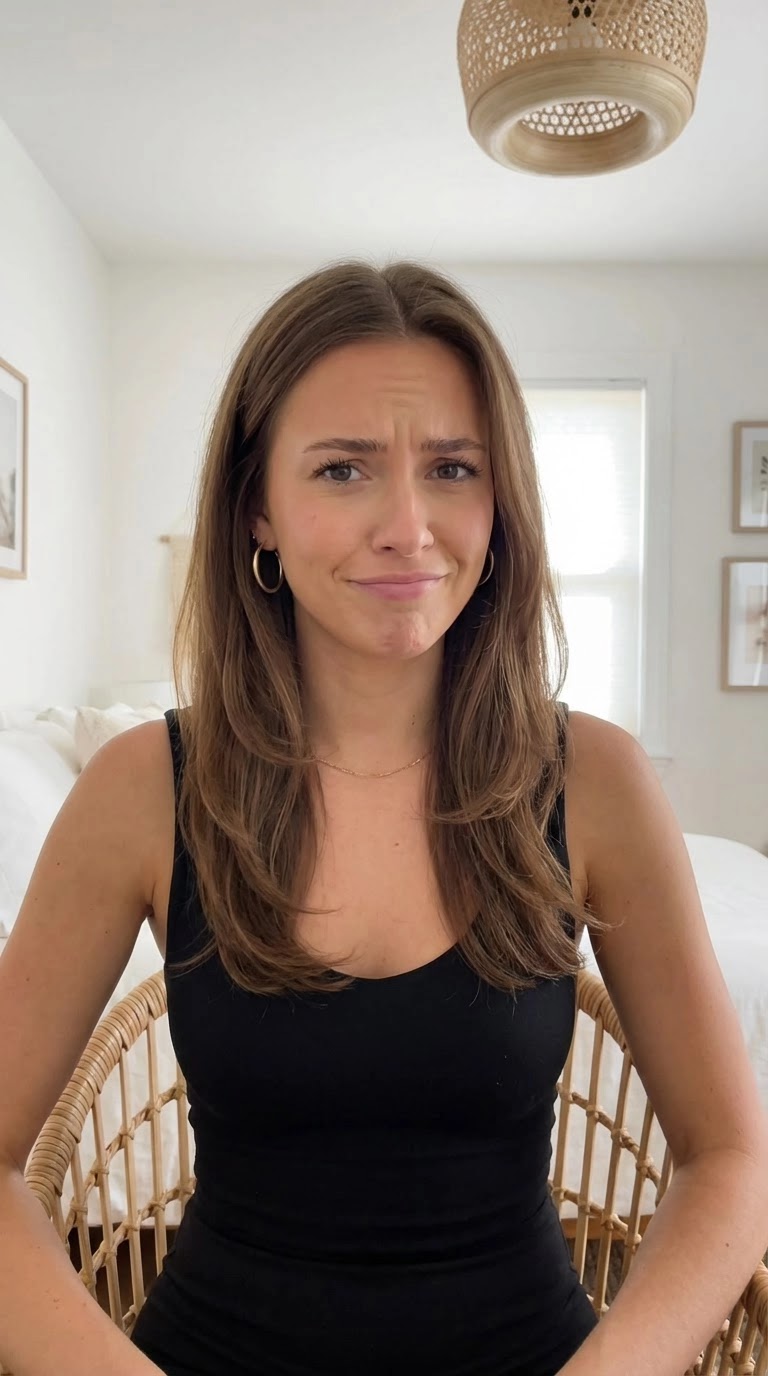
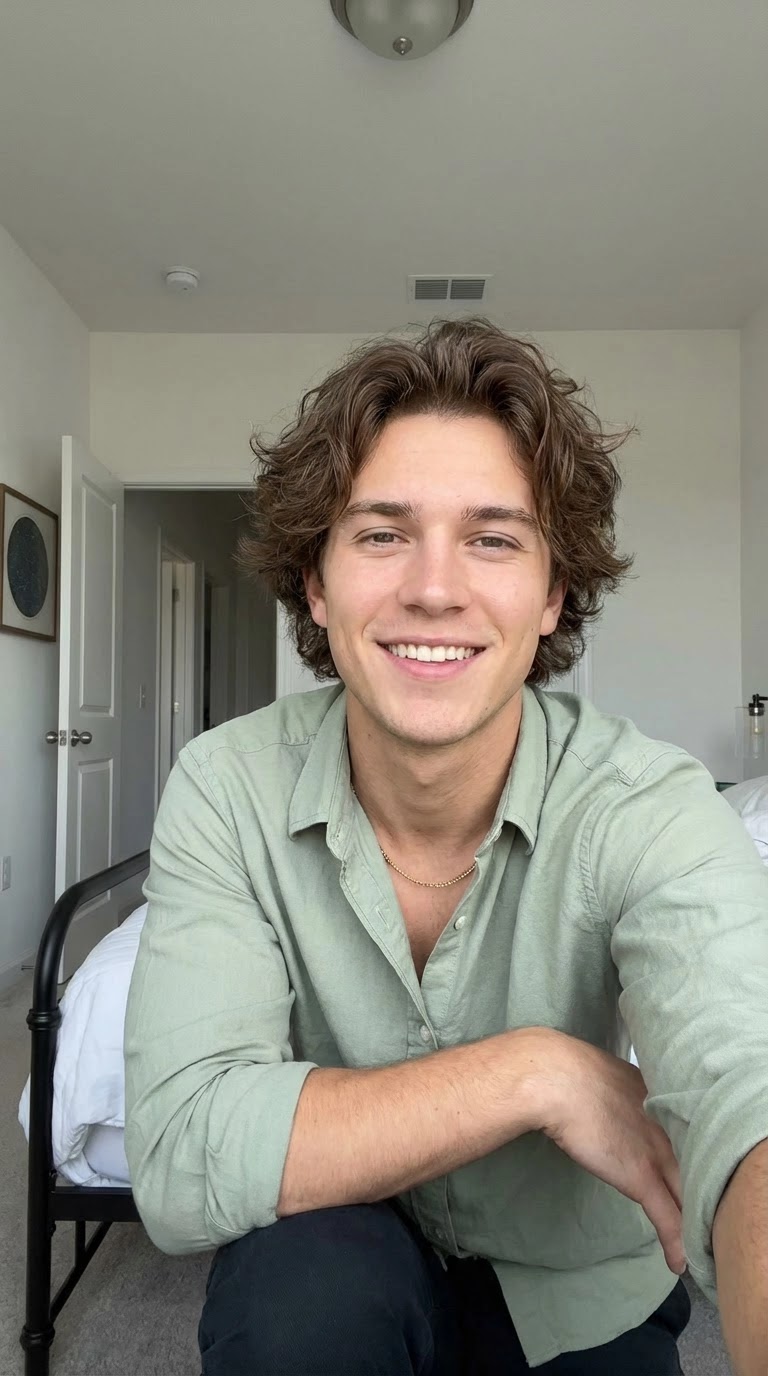
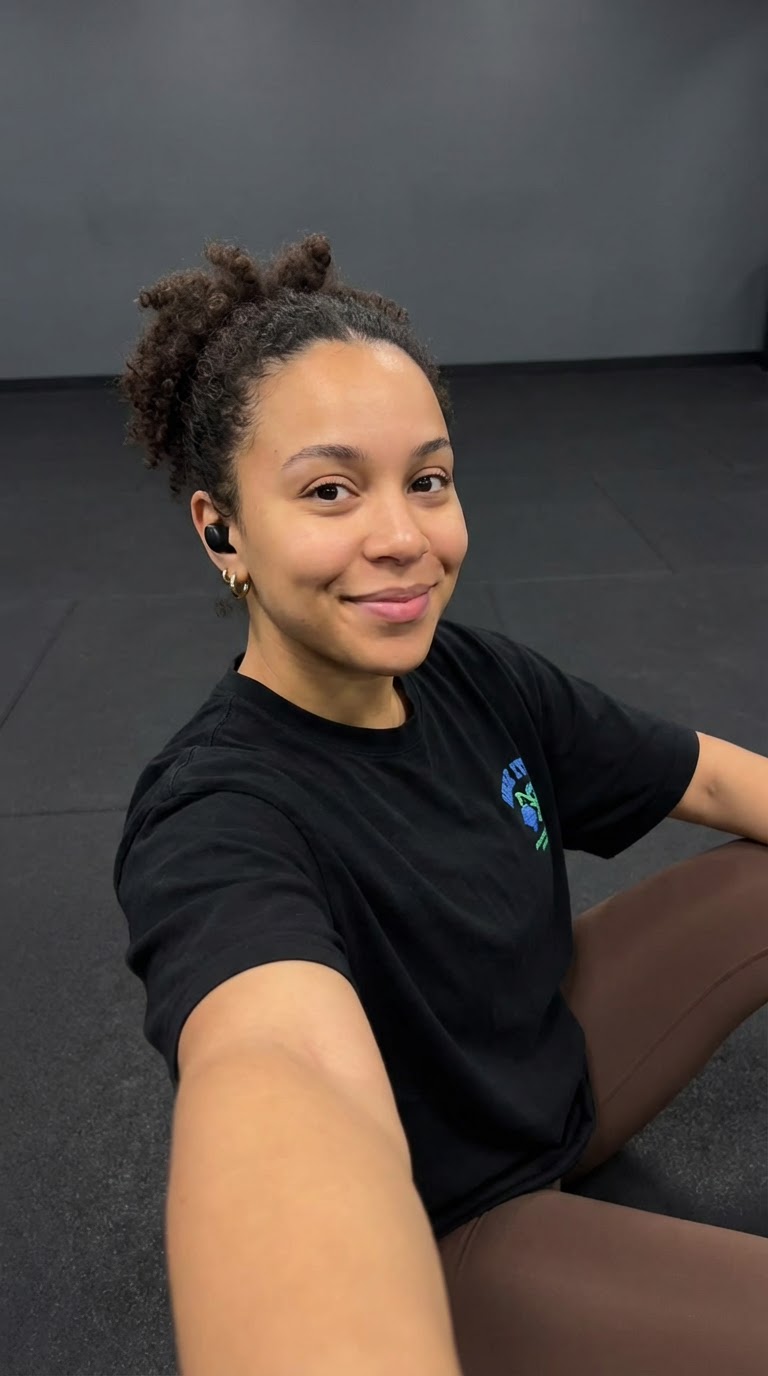
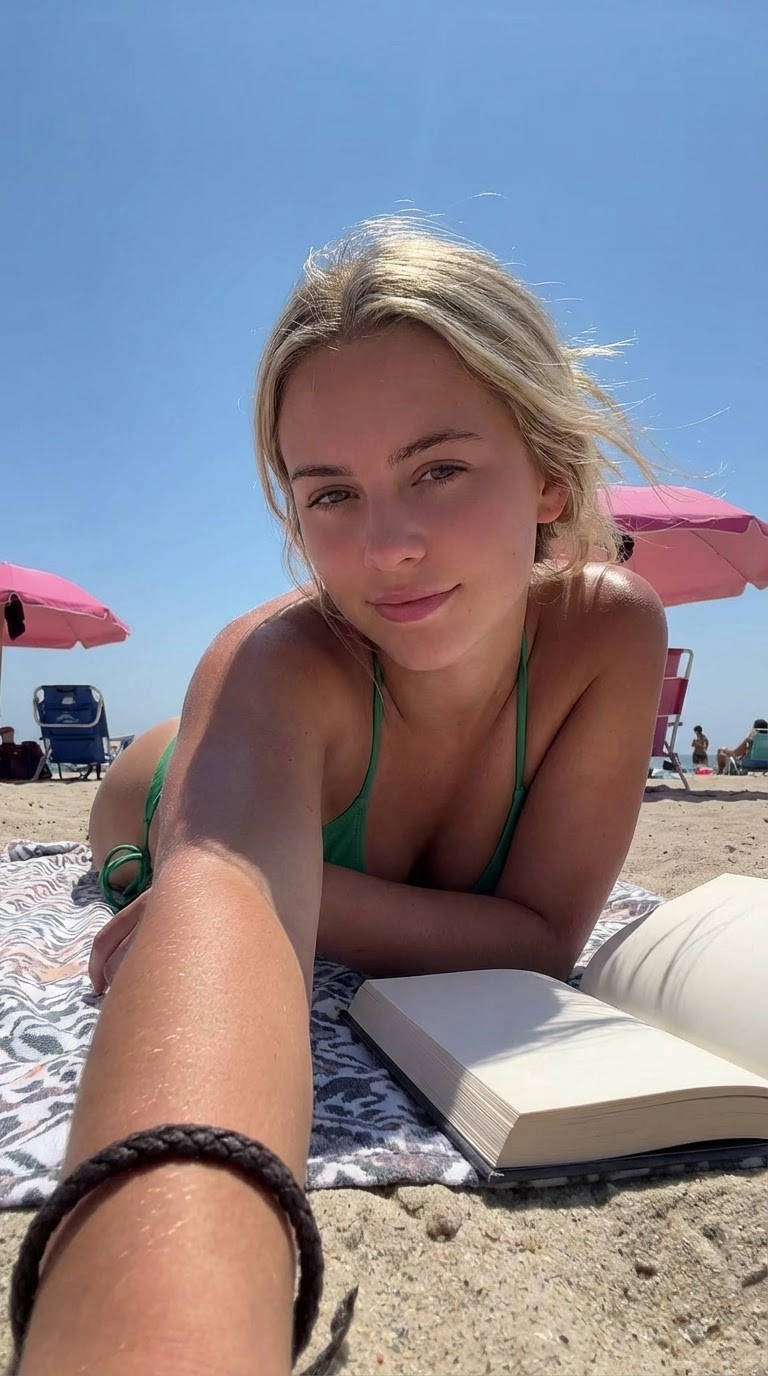
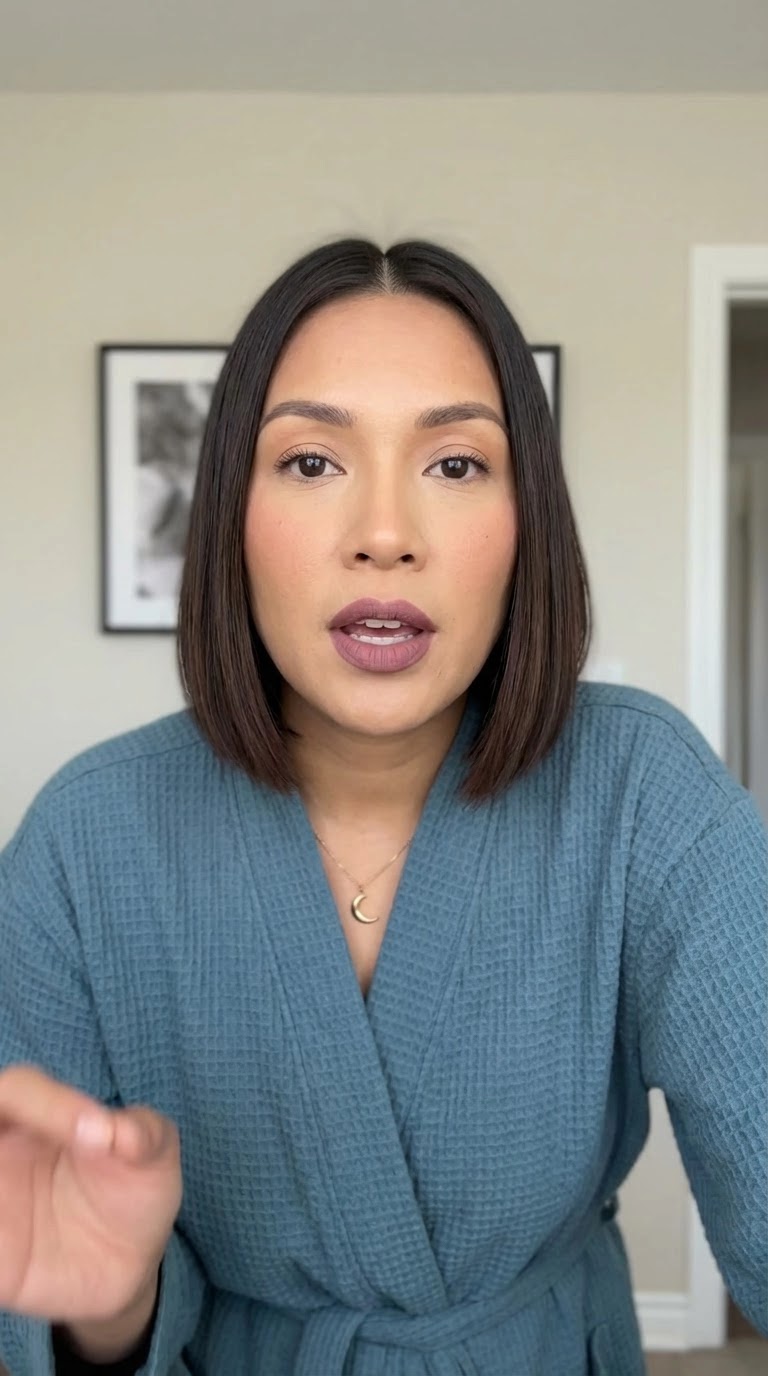
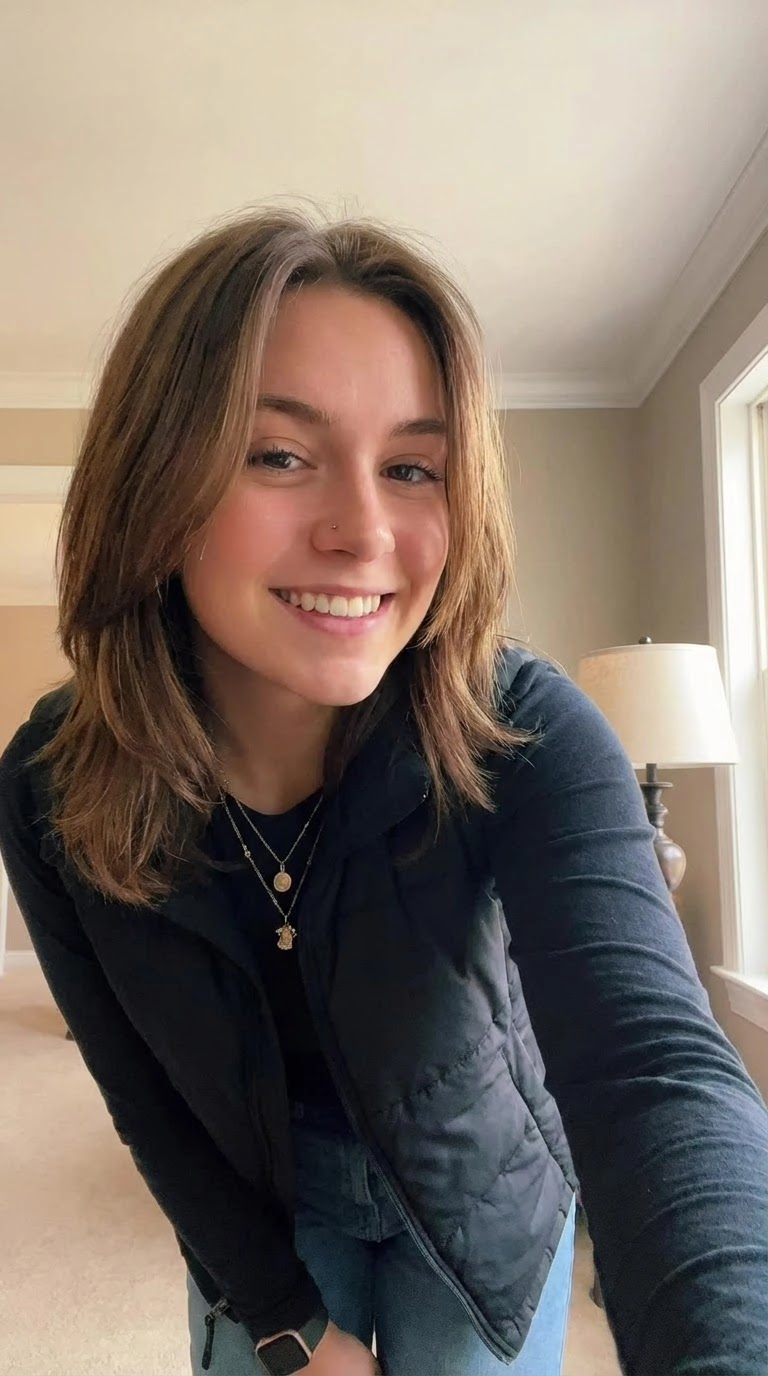
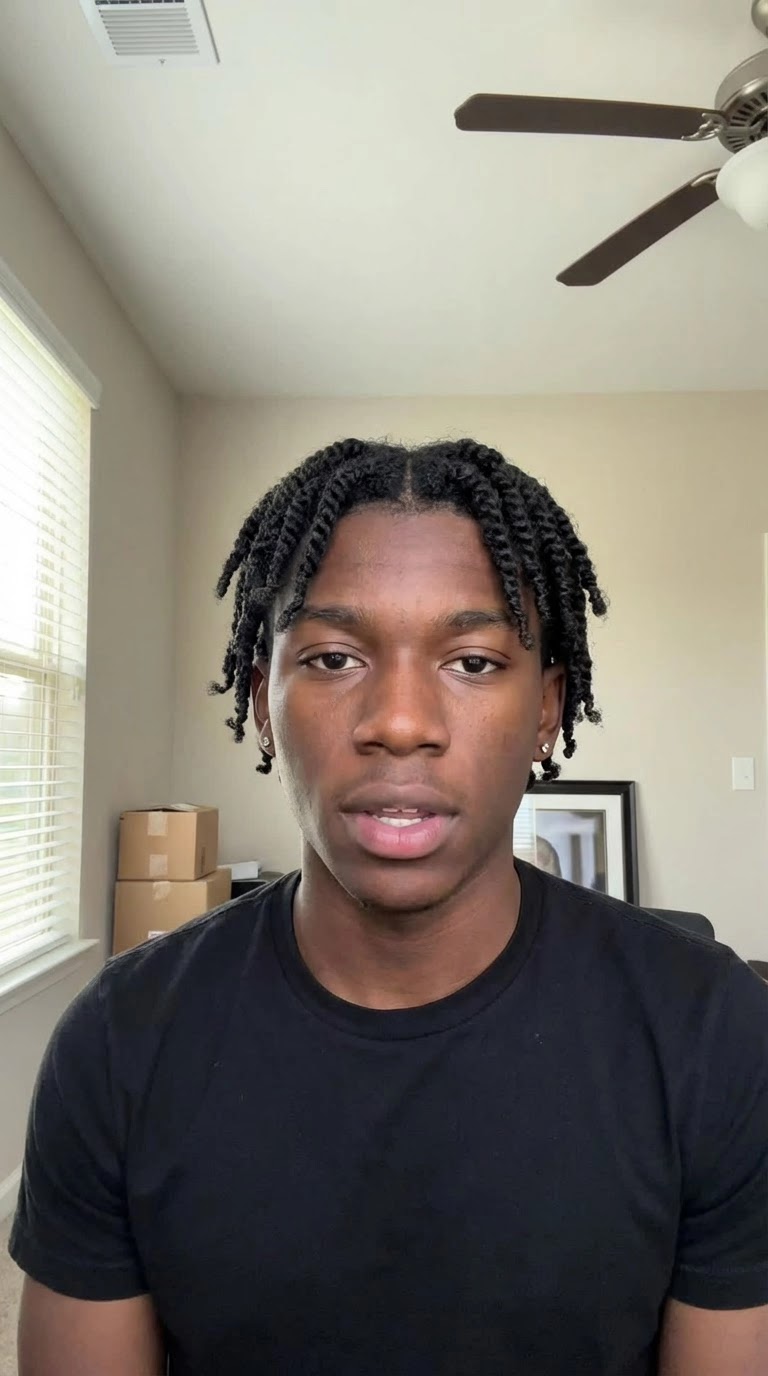
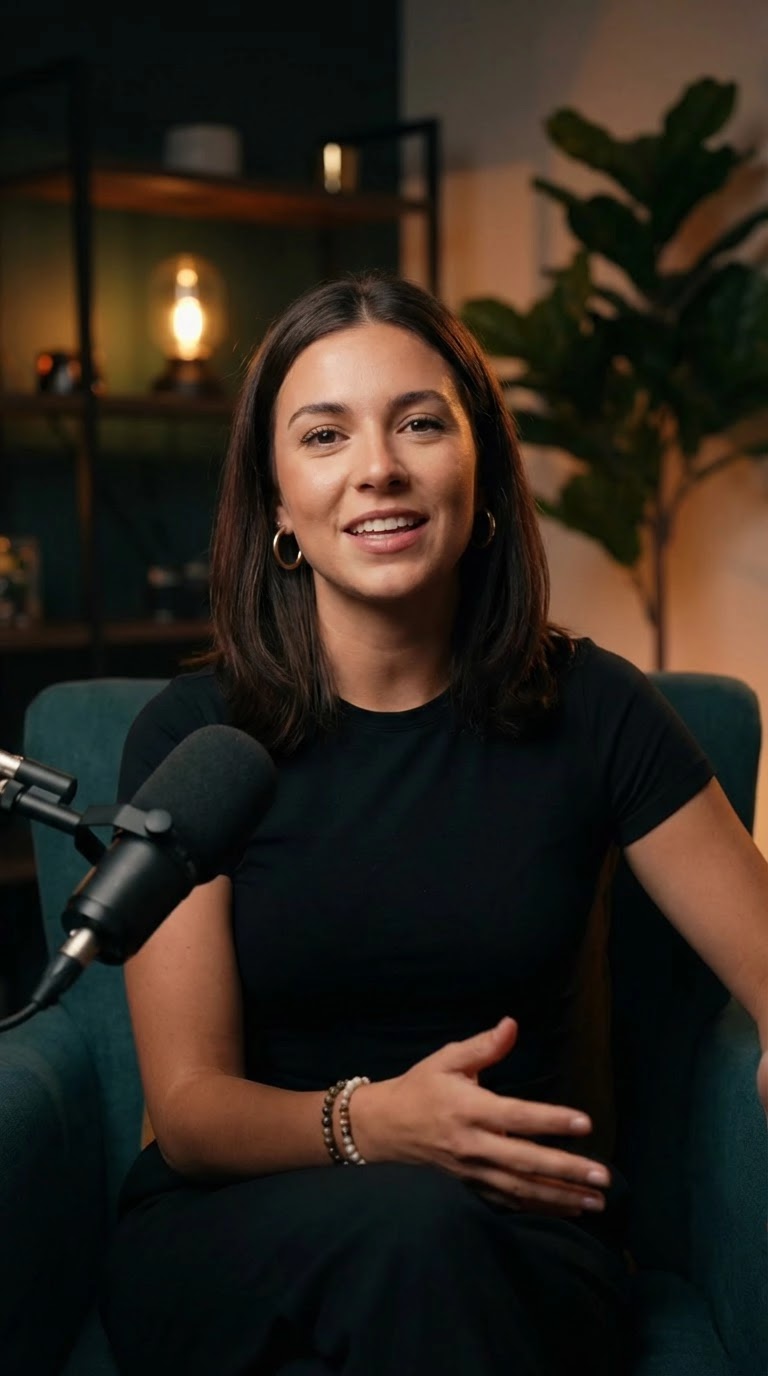
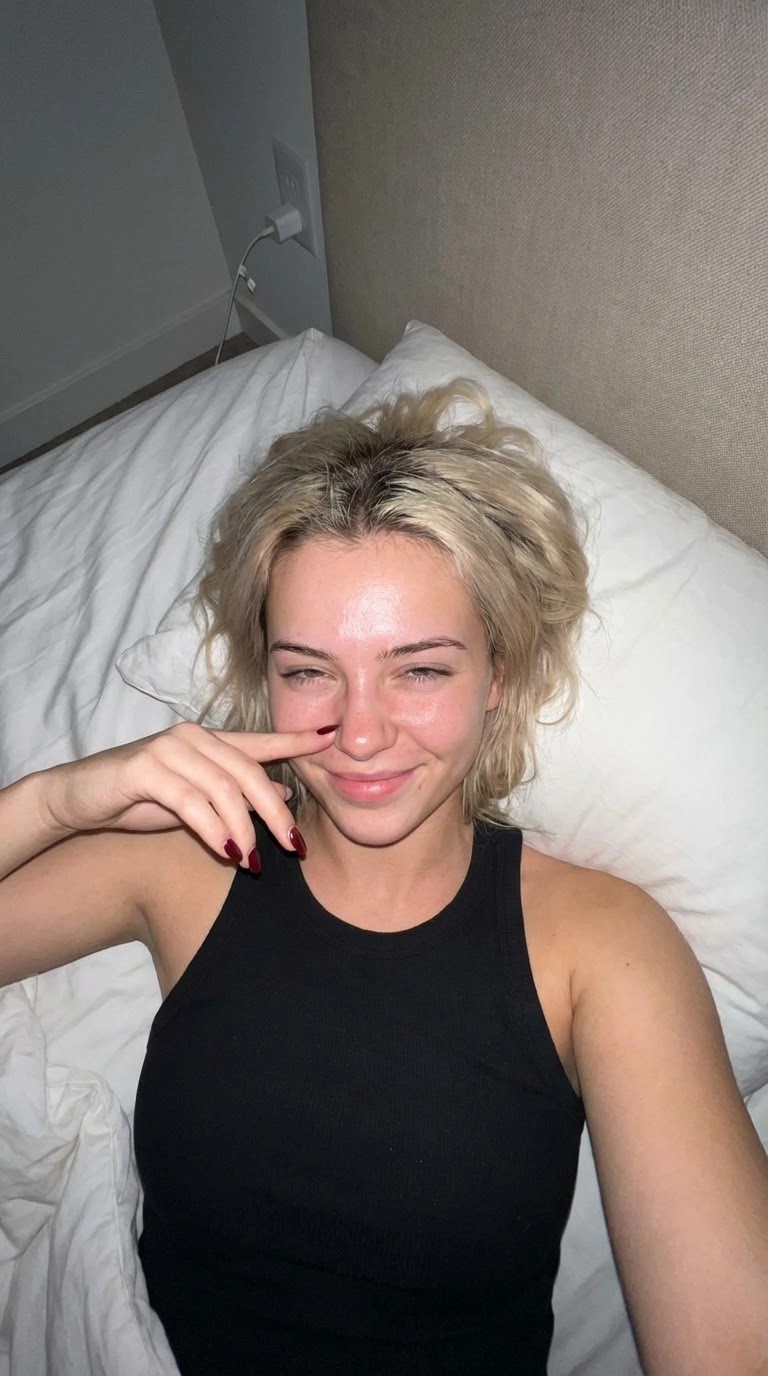
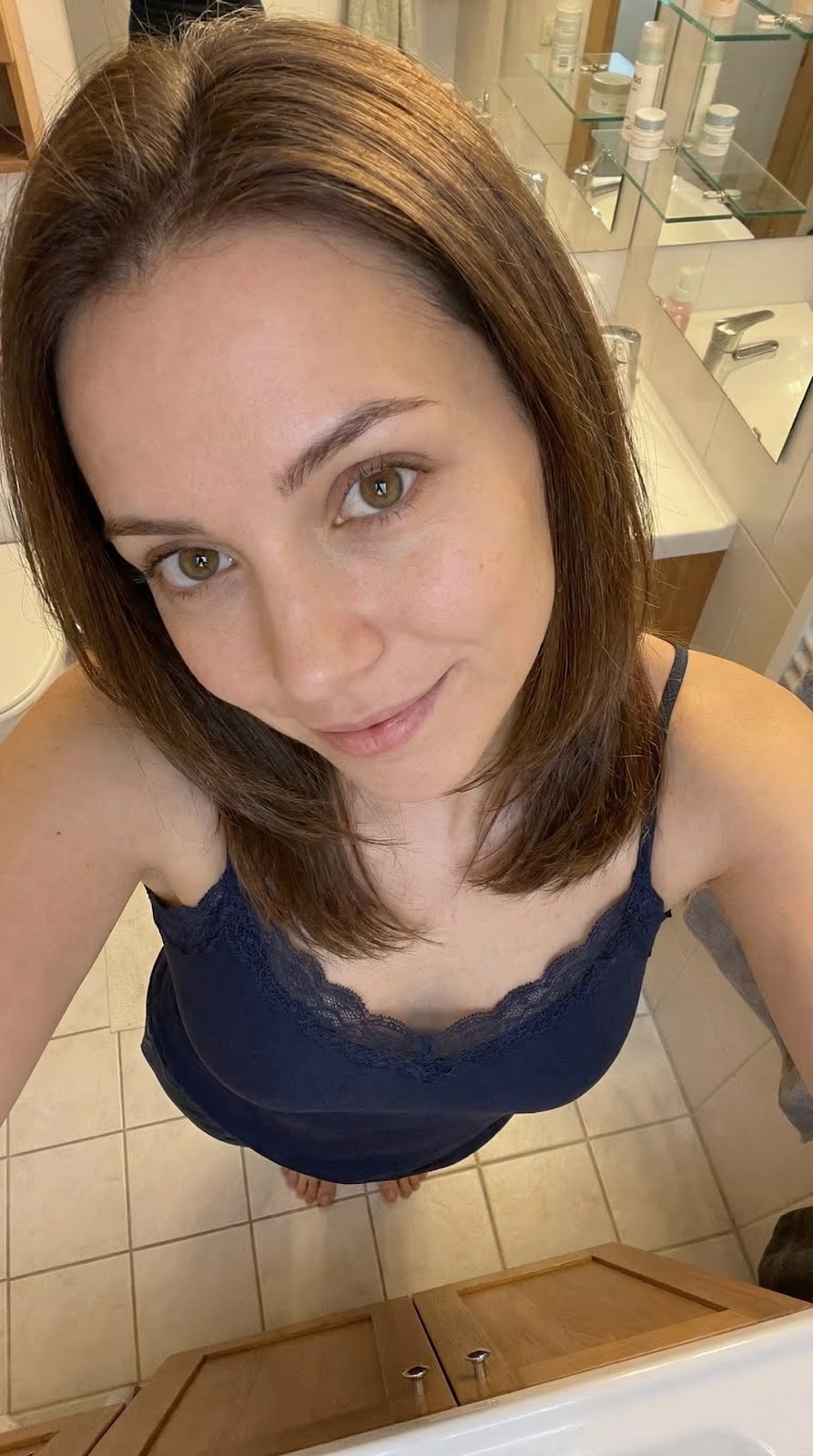
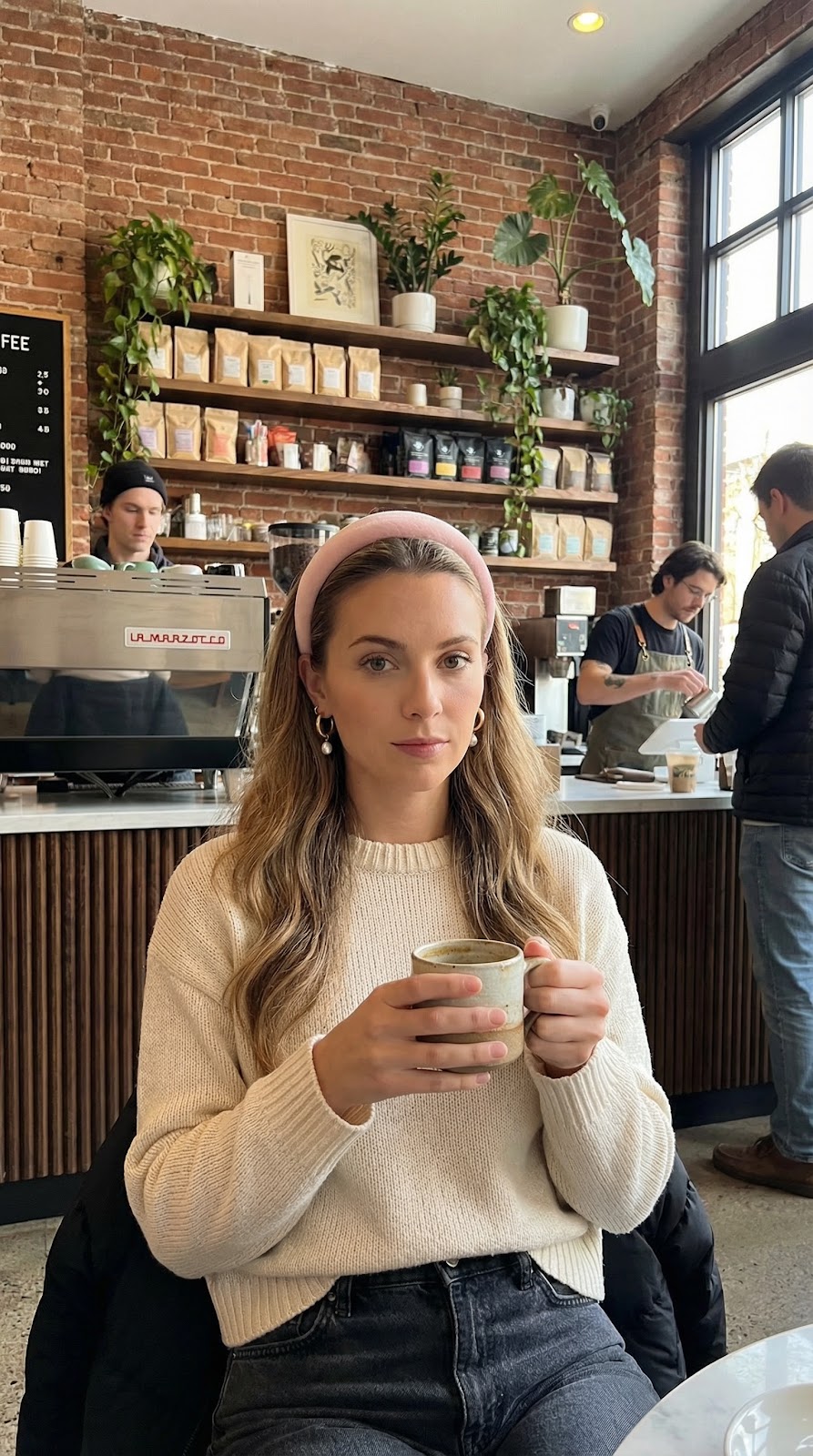
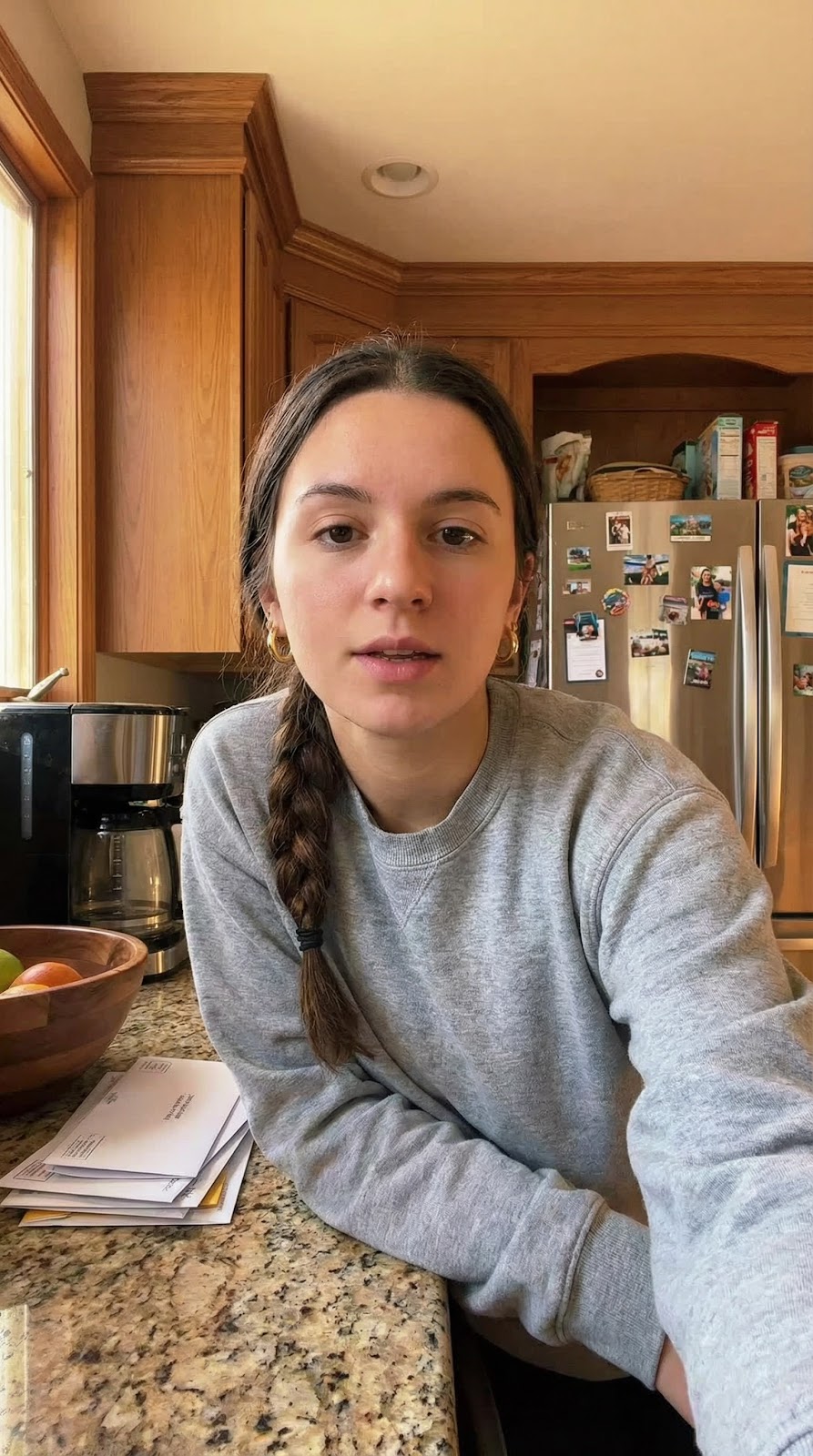
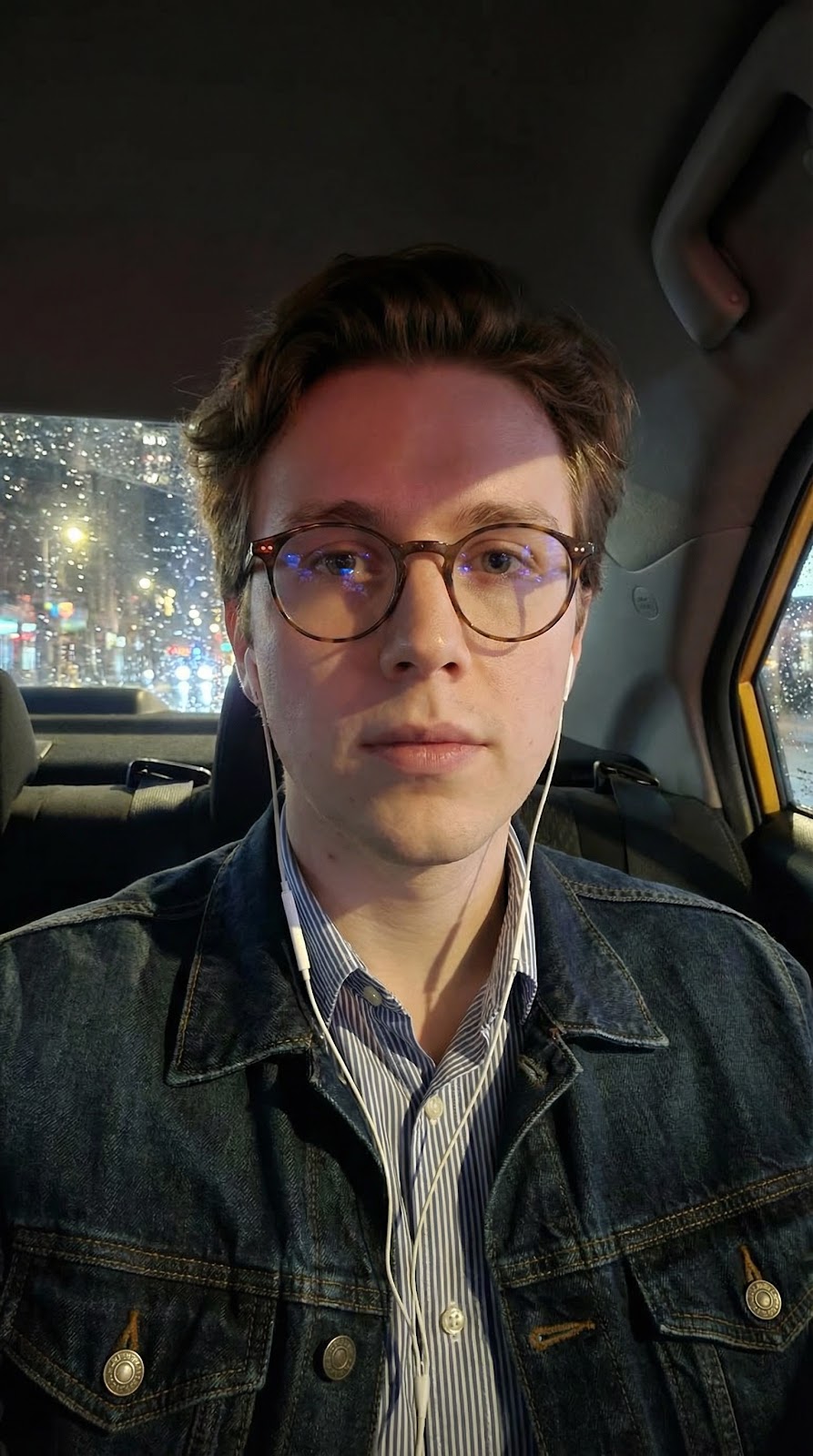
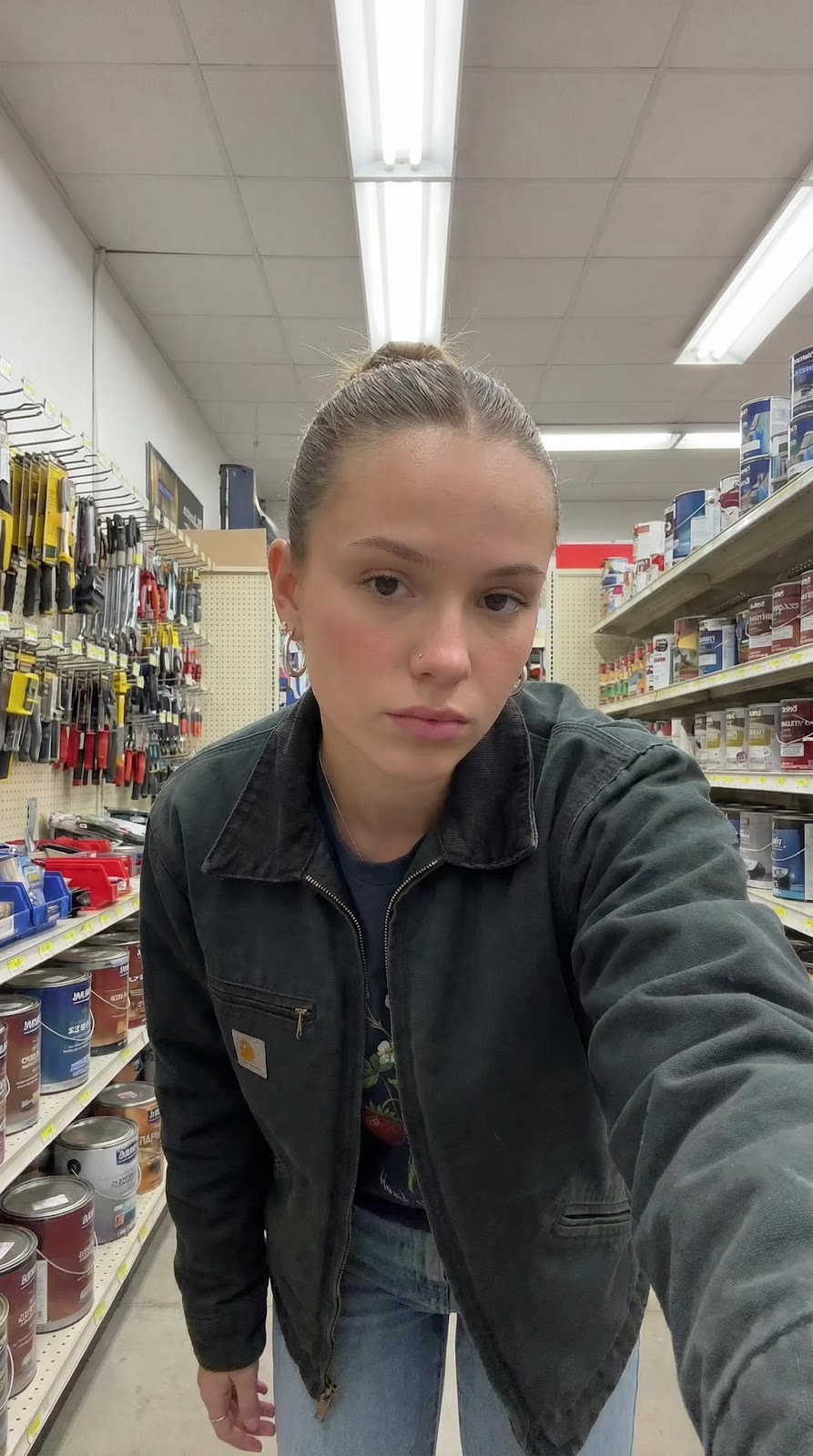
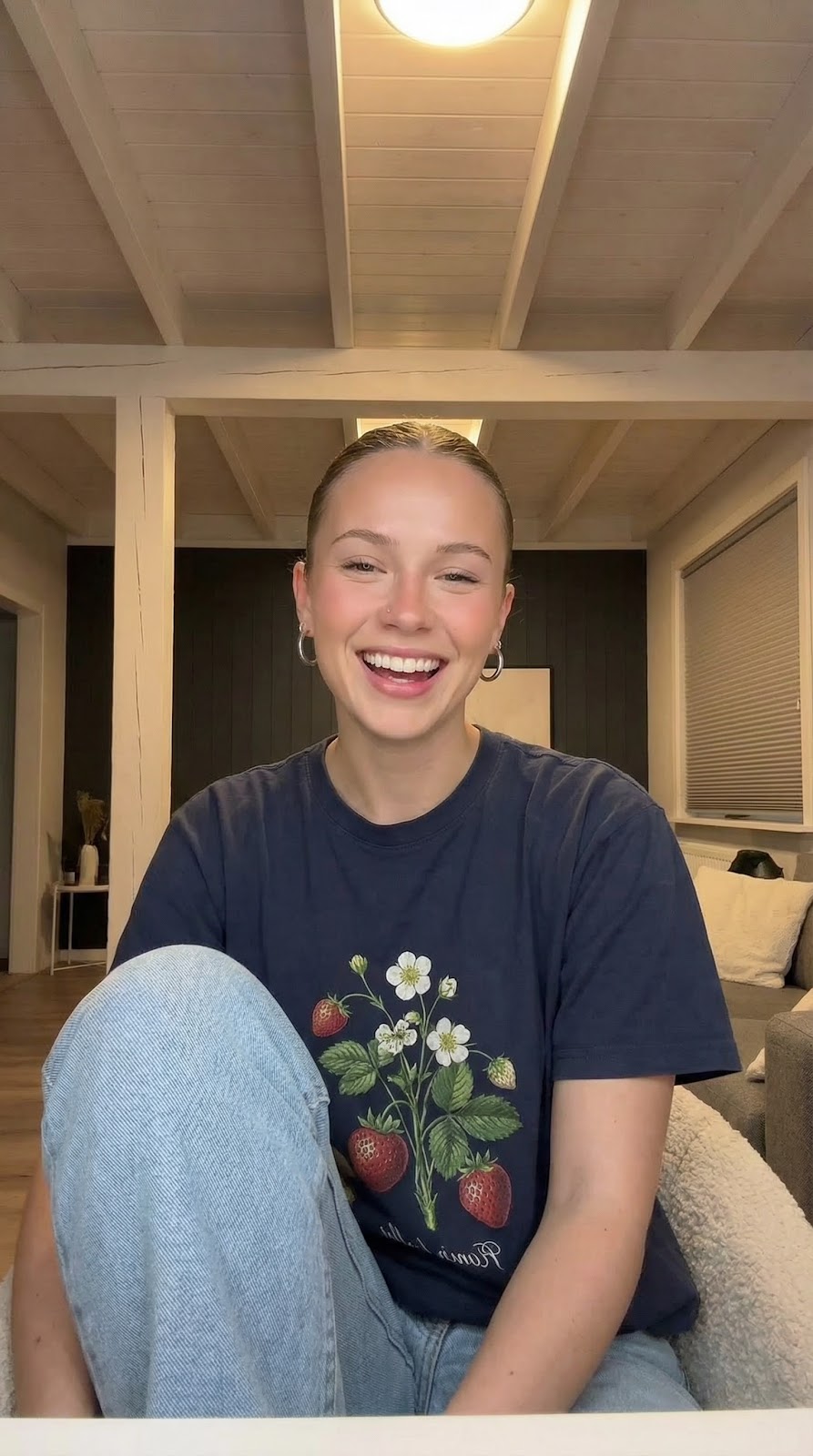
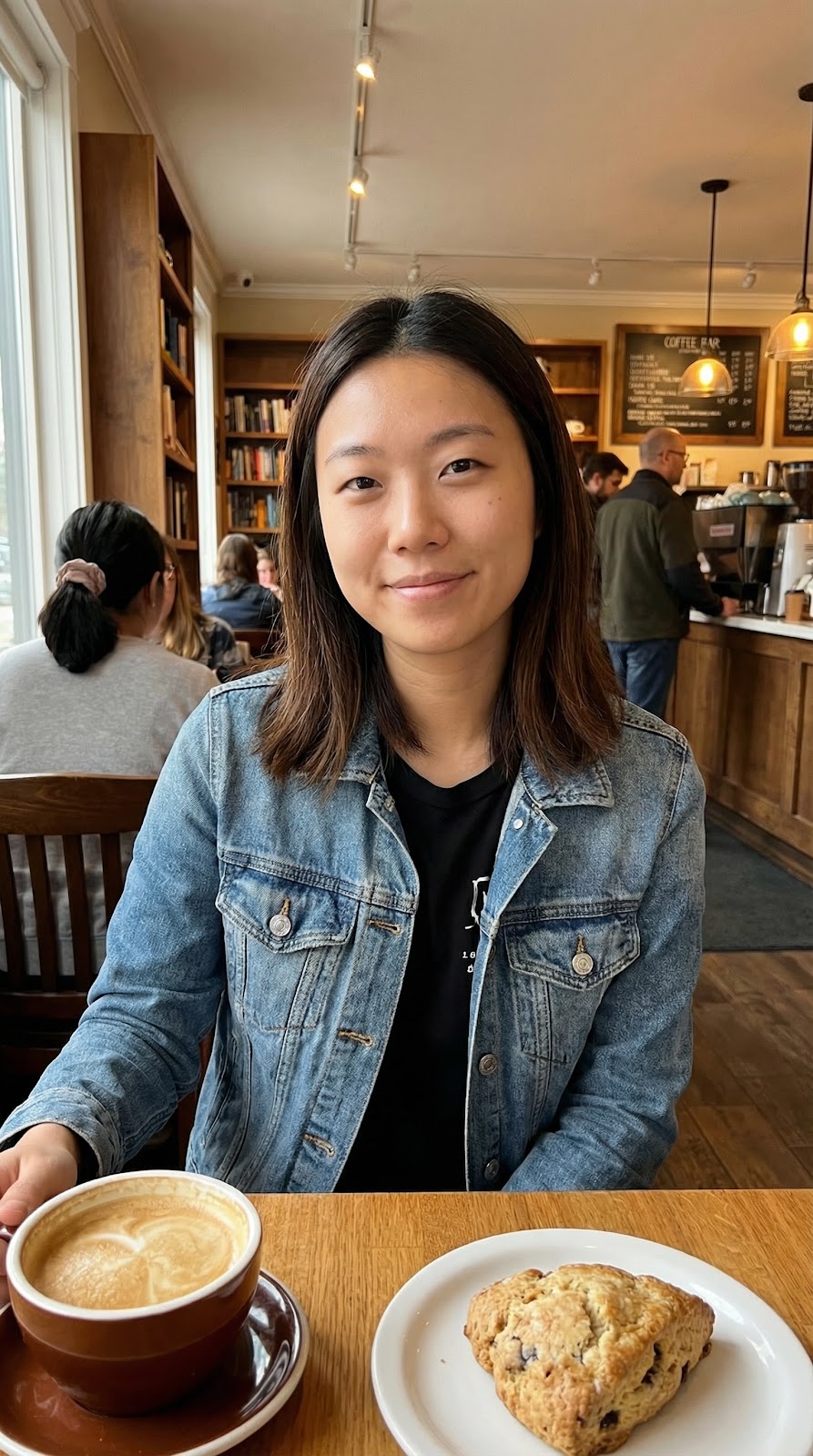
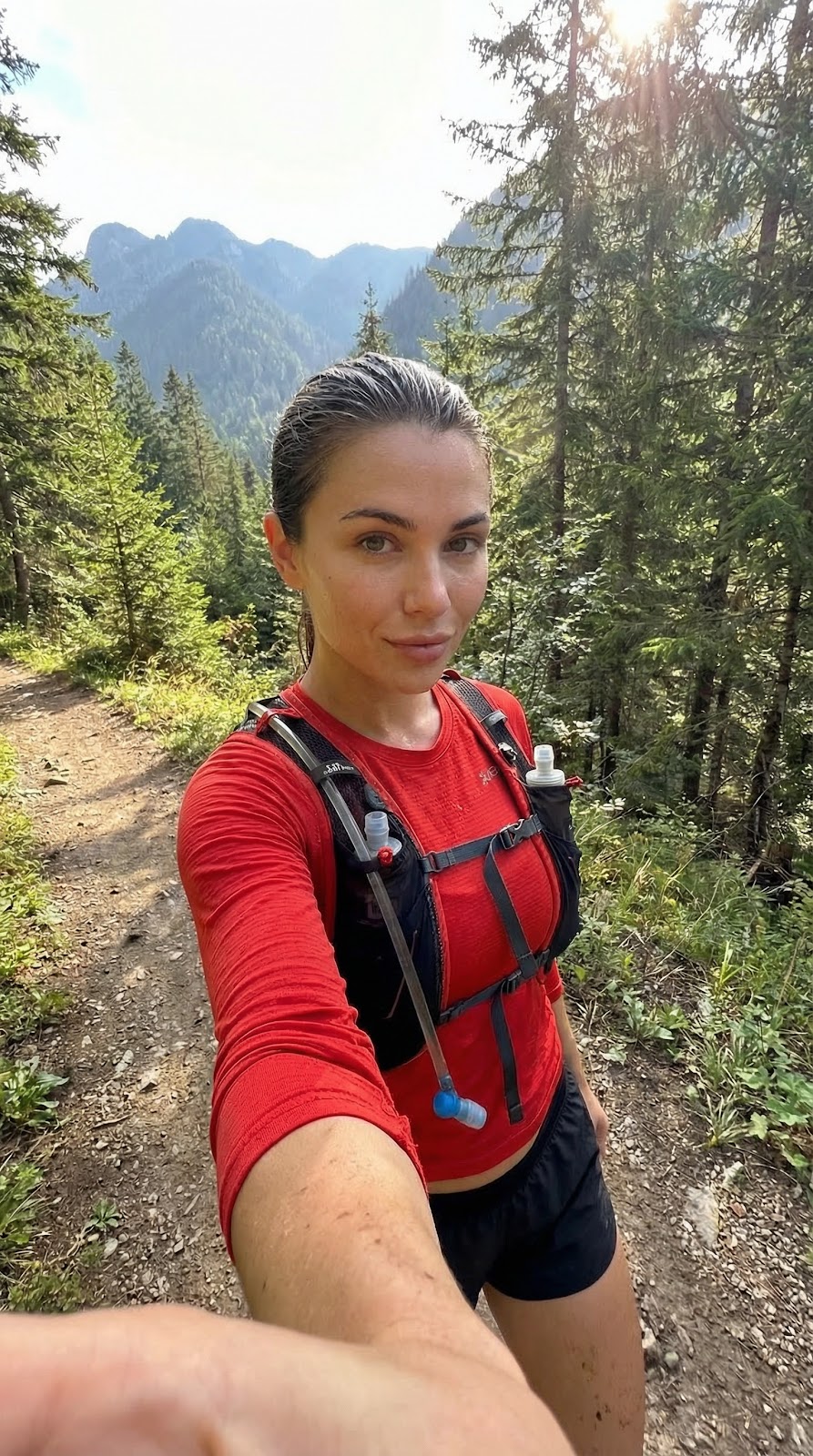
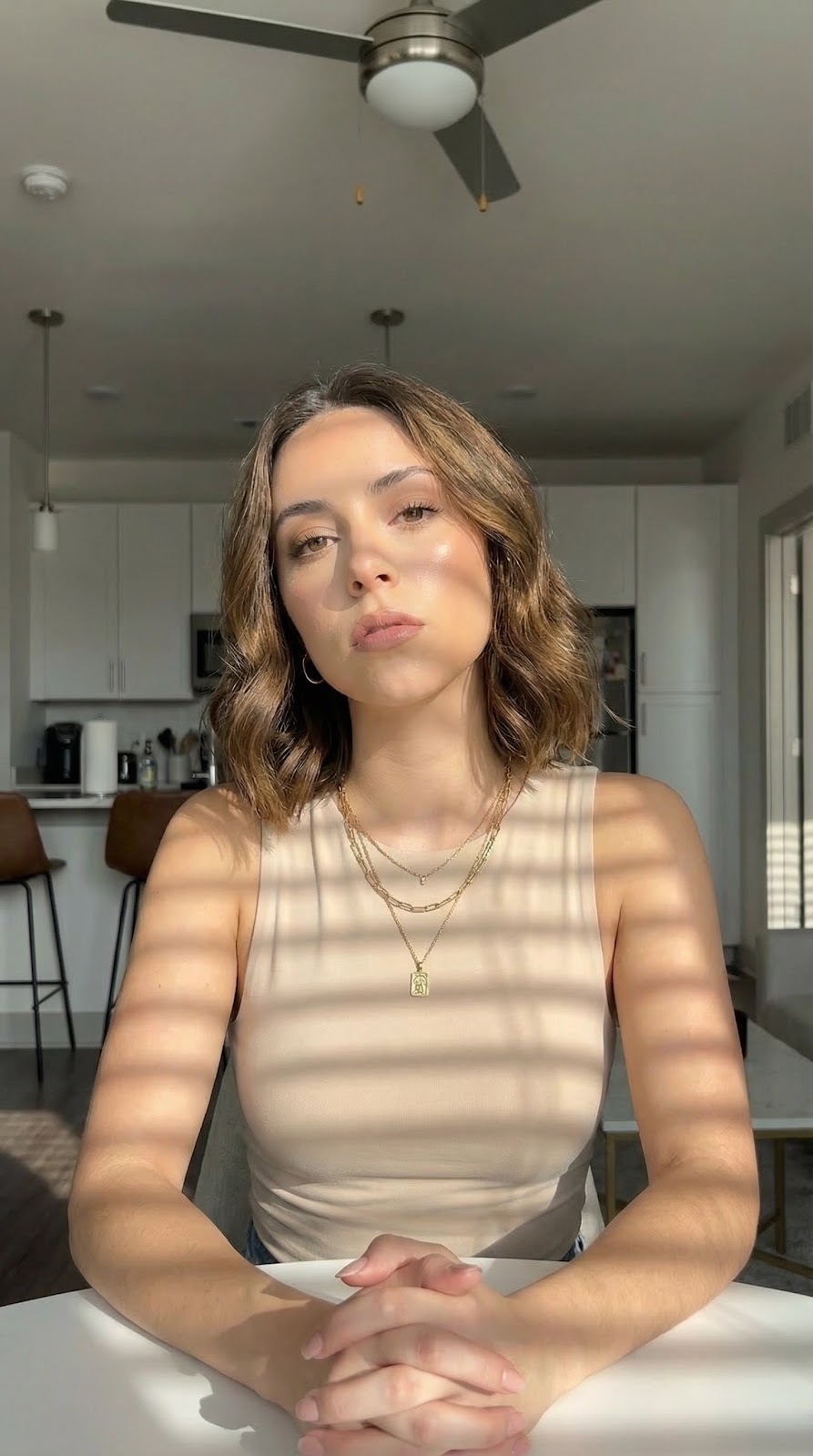
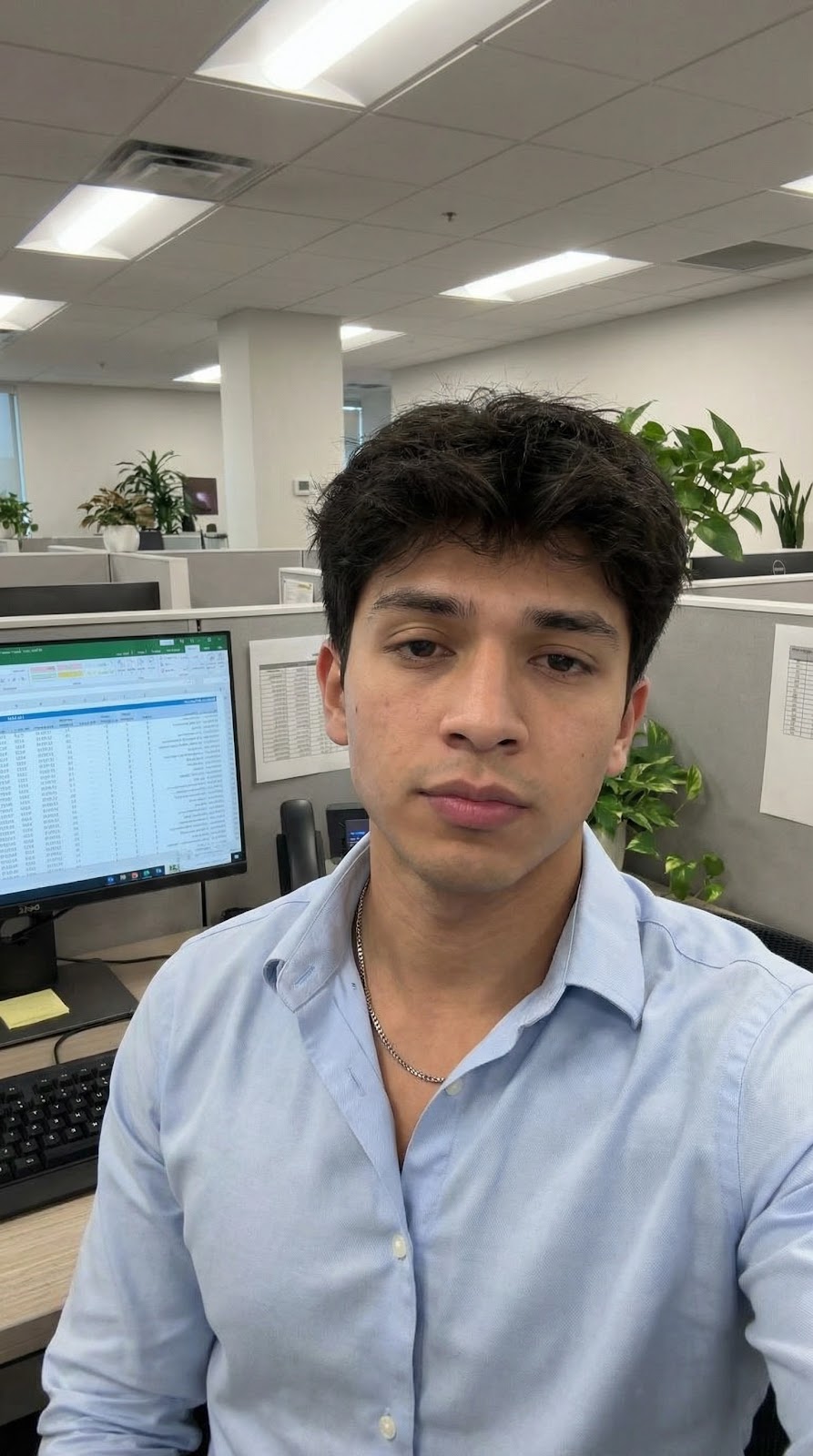
Every pore.
Every detail.
100% AI.
Hoox avatars replicate the natural imperfections of a real face — skin texture, subtle asymmetry, hair grain — making them impossible to tell apart from a real creator.
- Visible pores & natural skin texture
- Hair rendered strand by strand
- Subtle asymmetry & micro-expressions
- Environment-accurate lighting & reflections


with AI in minutes